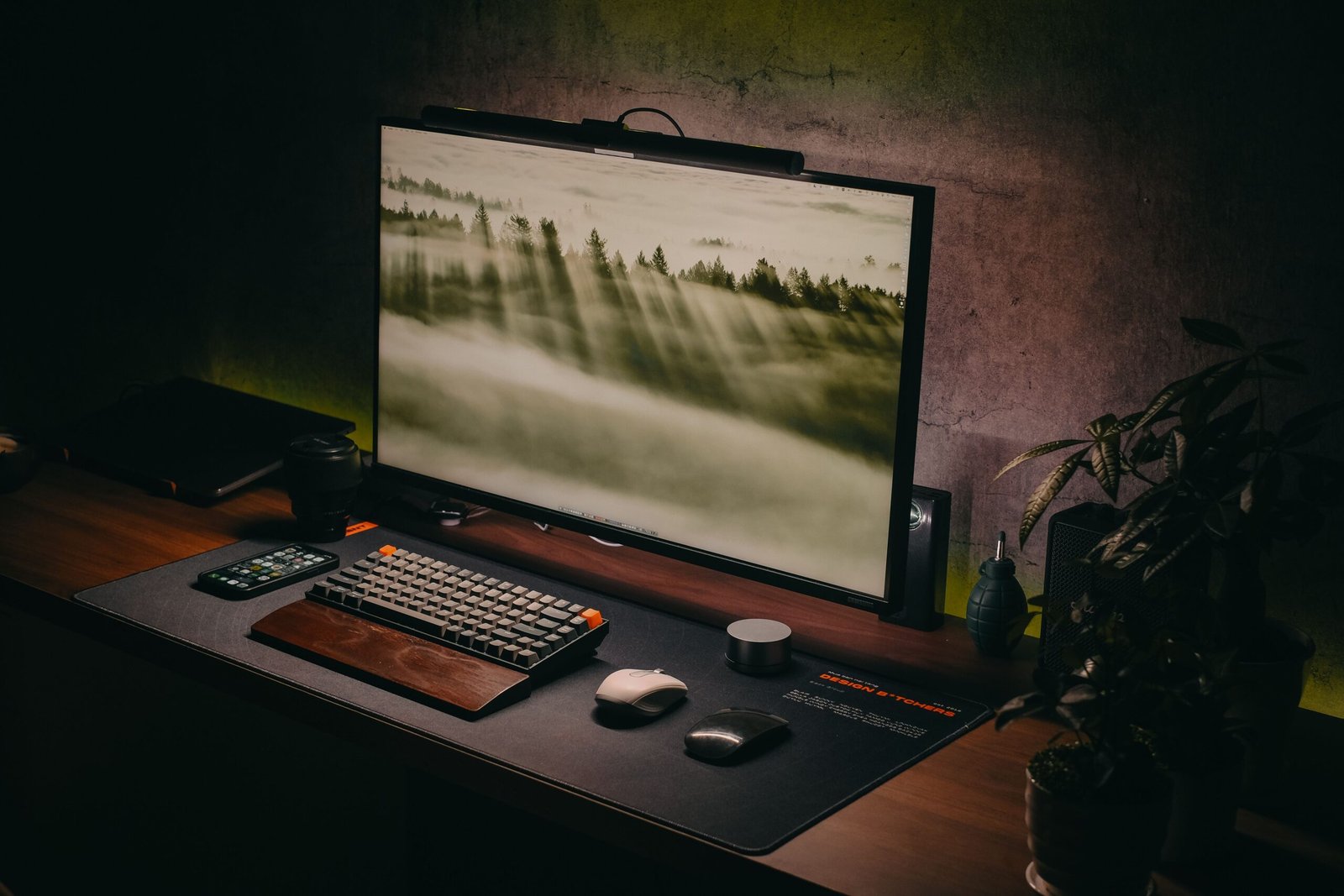
How to Create a Functional Home Office
If your “office” is still a laptop on the kitchen table, you know the problems: your back aches by noon, video calls catch the mess behind you, and work never ends because it never has a place. A functional home office fixes all three without a spare room or a big budget. It needs the right spot, a desk and chair set to your body, decent light, and storage that keeps the desk clear. Here is how to build one, in the order that works.
Quick Facts
- Minimum workable space: about 35 sq ft (a 5 x 7 ft corner)
- Desk size to aim for: 48-60 in wide, 24-30 in deep
- Standard desk height: 28-30 in
- Screen position: top at or just below eye level, 20-28 in away
- Typical budget: $250-$600 basic; $800-$1,500 mid-range
- Chair rule: feet flat on the floor, knees near 90 degrees
Start With the Right Spot, Not the Furniture
Most people buy a desk first and squeeze it in later. Do it the other way around. Take a tape measure and look for a spot out of the main traffic path, with a wall behind you for video calls, an outlet nearby, and natural light that does not blast the screen.
You need less room than you think: a 5 x 7 ft corner holds a 48-inch desk, a chair, and a small shelf. A spare bedroom is ideal, but a wide landing, the end of a living room, or a closet with the doors removed works too. Avoid the bedroom if you can — working where you sleep blurs the end of the day. And choose the smaller quiet corner over the bigger noisy one: distance from household noise matters more than square footage on call-heavy days.
Measure the Space, Then Pick the Desk
You need the desk footprint plus at least 36 inches behind it, so the chair rolls back and you can stand up without sidestepping. Here is how the common sizes break down:
| Desk size (W x D) | Best for | Minimum floor space |
|---|---|---|
| 40 x 20 in | Laptop-only work in a tight corner | 5 x 4 ft |
| 48 x 24 in | Laptop, notebook, one small monitor | 6 x 5 ft |
| 55-60 x 28-30 in | Two monitors, full keyboard, paperwork | 7 x 5 ft |
| L-shaped, 60 x 60 in corner | Desktop PC plus a separate writing area | 8 x 6 ft |
With a laptop plus one monitor, 48 x 24 inches is the smallest desk still comfortable at hour six. Standard desks are 28-30 inches high, fine for most adults with an adjustable chair. Under 5 ft 4 in or over 6 ft 2 in, look at a height-adjustable desk — it fits you properly and lets you stand part of the day.
Set Your Chair and Screen to Your Body
This is where a home office earns the word “functional.” Get these four settings right and most neck, shoulder, and wrist complaints never start:
- Feet flat. Chair adjusted so your feet rest flat on the floor (or a footrest), knees near 90 degrees. Seat height usually lands between 16 and 21 inches.
- Elbows level. Forearms parallel to the floor when typing, elbows close to your body. If a fixed desk sits too high, raise the chair and add a footrest.
- Screen at eye level. Top of the screen at or just below eye level, 20-28 inches away — an arm’s length. A laptop flat on the desk sits about 6 inches too low, which is why laptop users hunch; a $25-$40 stand plus a separate keyboard and mouse fixes it.
- Back supported. Sit back so the backrest supports your lower back; a small cushion works if the chair has no lumbar support.
A decent adjustable office chair typically costs $150-$350. It is the least exciting purchase here and the one you will feel every day, so buy it before anything decorative.
Get the Lighting Right
Poor light strains your eyes and makes you look tired on camera. The best fix is free: put the window to your side, so light falls evenly across your desk and face. Avoid a window directly behind you (you become a silhouette on calls) or directly behind the screen (glare you fight all afternoon).
For evenings and windowless corners, add an adjustable desk lamp, typically $20-$60, aimed at your papers rather than the screen, with a 4000-5000K bulb — a neutral white that stays comfortable for hours. A soft light in front of you, even that lamp turned toward your face on low, does most of what a ring light does on calls.
Power, Internet and the Cable Problem
Count your devices first: laptop, monitor, lamp, phone charger, maybe a printer. Most corners have one outlet, so plan on a 6-8 outlet surge protector, typically $20-$35, mounted under the desk or in a cable tray instead of on the floor — it looks finished and vacuums easier.
Wired internet beats Wi-Fi for calls; a 25-50 ft Ethernet cable along the baseboard costs under $15. On Wi-Fi, keep the router unobstructed and your laptop out from behind metal cabinets. Finish with a cable tray or a few Velcro ties — ten minutes that separate “finished” from “parked.”
Storage: A Clear Desk Is a Working Desk
A functional desktop holds only what today’s work needs. Everything else lives within arm’s reach:
- Wall shelves above or beside the desk for books, files, and the printer. Wall space is free square footage.
- One closed drawer unit or cabinet for spare cables, chargers, and paper piles. Closed storage, not open bins, is what makes a small office look calm.
- A small inbox tray for today’s paper. When it is full, it is time to file, not time to buy a bigger tray.
Sharing the room? A low bookcase behind your chair is storage and a clean call background in one.
Make the Walls Work, Too
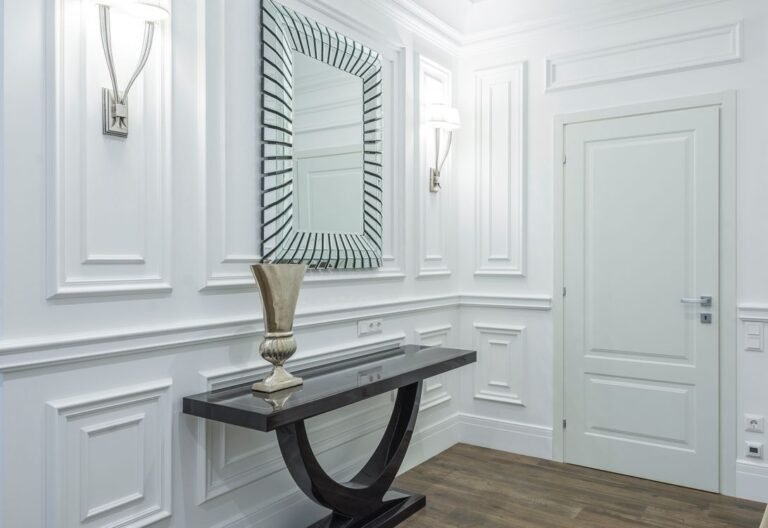
Bare walls make a corner office feel borrowed. Paint in a soft neutral marks off the work zone; an off-white like antique white keeps a small corner bright without pure-white glare. For more structure, one trim wall behind the desk gives calls a finished backdrop — the measurements in our guide to wall panel moulding suit exactly this kind of project.
What It Costs: Three Typical Budgets
Prices are typical US retail ranges; sales move them a lot, especially on chairs and desks.
- Basic, $250-$600: 48-in desk (or a solid secondhand one), adjustable chair, laptop stand, keyboard and mouse, desk lamp, surge protector.
- Mid-range, $800-$1,500: height-adjustable desk, better chair, one or two monitors, monitor arm, wall shelves, cable tray.
- Full setup, $2,000+: larger adjustable desk, premium chair, dual monitors, quality storage, dedicated call lighting.
Buy in this order: chair, desk, screen setup, light, storage. Comfort first, looks last.
Common Mistakes to Skip
- Buying before measuring. The forgotten 36-inch chair clearance is why desks get returned.
- A dining chair for eight-hour days. Fine for dinner; a different sport at hour six.
- Facing the screen into the only window and fighting glare all afternoon.
- Skipping the camera check. Open it, see what clients see, then move the laundry basket.
- Daisy-chaining power strips. One quality surge protector, plugged straight into the wall.
When to Hire a Pro
Hire an electrician if the corner has no outlet in reach (rather than living on extension cords) or the circuit already trips; adding an outlet typically runs $150-$400 depending on access. For built-in shelving in an alcove, a carpenter’s fitting beats a weekend of shimming units that almost fit. Everything else here is furniture and patience.
Frequently Asked Questions
How much space do I actually need for a home office?
About 35 square feet is the working minimum: a 5 x 7 ft corner fits a 48 x 24 in desk, chair clearance, and a small shelf. Two monitors plus paper space calls for 50-60 square feet.
Is a laptop on its own enough?
For a few hours a week, yes. For full workdays, no — the low screen pulls your neck down and the keyboard is cramped. A stand, separate keyboard, and mouse, roughly $60-$100 all in, bring a laptop to proper working height.
Is a standing desk worth the extra cost?
If your back stiffens up or you like standing for calls, yes; height-adjustable desks typically start around $250-$400. On a tight budget, a fixed desk at the right height plus regular breaks does most of the same job.
How do I fit an office into a studio or one-bedroom apartment?
Claim one corner permanently instead of packing away daily: corner desk, low bookcase as divider and backdrop, closed storage. A closet with the doors off works too, if an outlet is nearby.
How can I make calls quieter without a separate room?
A door you can close helps most; after that, soft surfaces — a rug under the desk and curtains absorb echo. A decent headset matters more than the room: it picks up your voice, not the television two rooms away.
A functional home office is not a renovation. It is one well-chosen corner, a chair and screen set to your body, light from the side, power within reach, and a shelf for everything that is not today’s work. Set those five things in that order and the room does the rest: you sit down, you work, and you can walk away when the day is done.
One Comment
Comments are closed.